Free printable IT consultant timesheet
Hours per client and ticket, with billable marked as you go, so the invoice is quick to write from the sheet.
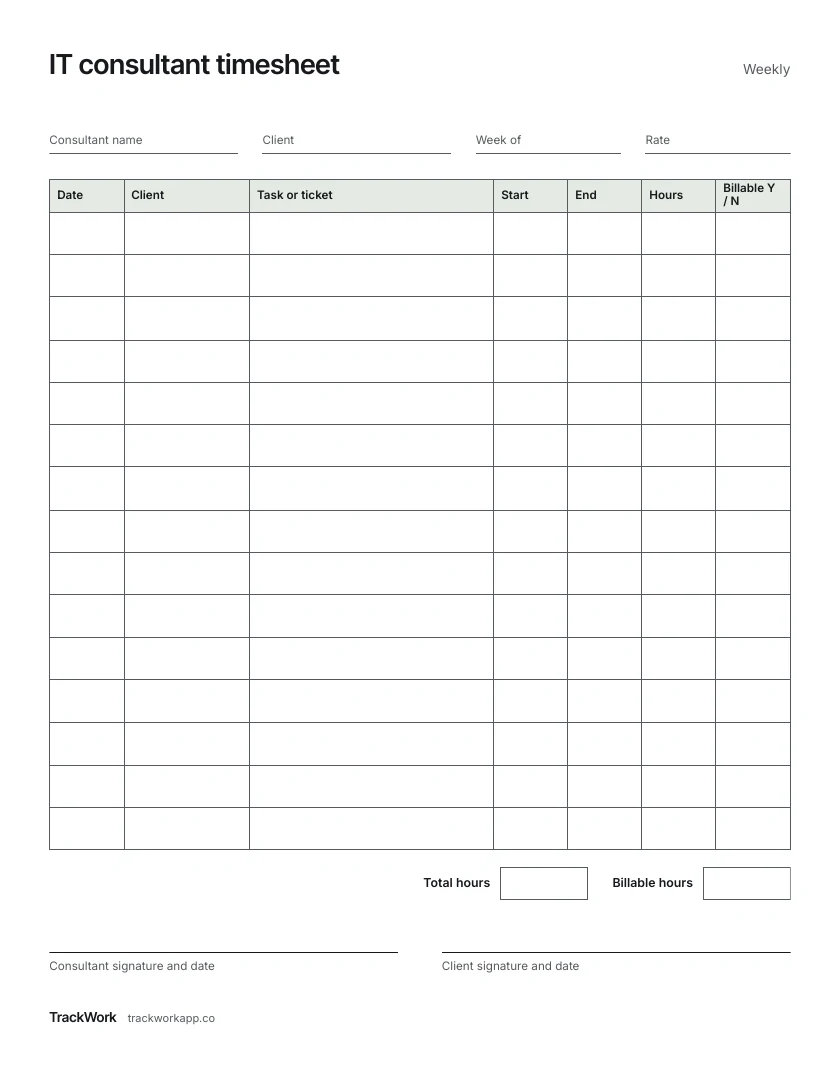
One US Letter page. Date, client, task or ticket, start, end, hours and billable.
How to fill it in
1 Fill in the top
Your name, the client, the first day of the week and your rate.
2 One row per block of work
Date, client, and the task or ticket number.
3 Start and end
Write them as you go, to the quarter hour.
4 Billable
Y or N, decided now rather than at invoice time.
5 Total and sign
Add all hours and billable hours. The client signs the week.
Keep it on your phone instead
TrackWork times each client with a note on every session, then turns the hours into an invoice with your own numbering.
Your first 10 sessions are free.
Questions
Why a billable column?
Not every hour is billable. Marking it as you go settles what goes on the invoice before you write it.
Where does the ticket number go?
In the task column, so the client can match each line to their own system.