Free freelance invoice generator
No signup. Enter your hours and your rate, and get a PDF. Nothing you type leaves your browser.
Your invoice is ready.
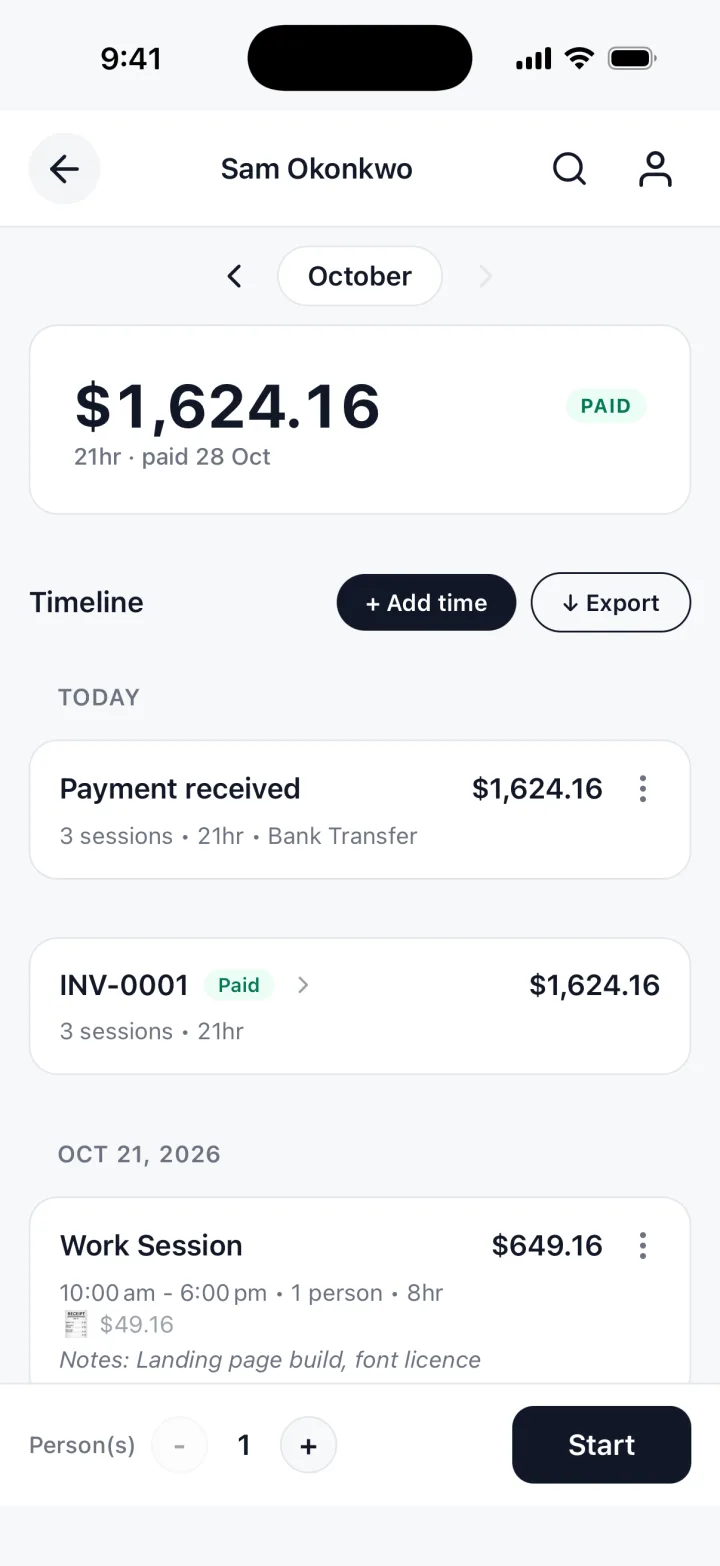
You just typed all of that by hand. TrackWork fills the invoice in from the hours you track.
Updated 29 Oct 2026
The fields on the form
Headed FREELANCE INVOICE, with one line for each piece of work you bill.
Hours lines
A description, the hours and your rate. One line per task or day, with the date.
Your rate
The rate box starts empty. The invoice prints what you type.
Client name
Use the company that signed the work, not the person who sends you emails.
The basics
Name or business, email, any tax or business number, invoice number, date and due days.
Currency and tax
Both are optional. Leave the tax fields empty if you do not charge tax.
Note
For the project name, the period covered, or one thing the client should know.
What to put on a freelance invoice
Your client has to match it to a project and a purchase order fast.
- Your name and how to reach you
- The client, and the project name
- An invoice number that is not used twice
- Hours, with the date or the task on each line
- The total
- How to pay, and by when
Use your client's words: "Checkout bug, payment retry", not "dev work".
| Description | Hours | Rate | Amount |
|---|---|---|---|
| Checkout bug, payment retry | 4 | rate | total |
| Code review, release branch | 2 | rate | total |
Projects, records and advance payments
Name the project
An invoice that does not name its project waits until someone asks. Put it in the note.
One line per task or day
"40 hours of development" invites questions. A date and a task per line answers them.
Match the client's own record
Copy hours from your record the same way each time, so it matches the client's log.
Invoice number and due date
Number invoices in order, with the due date on the page, not buried in an email.
Retainers and advance payments
No retainer line: note the amount and date, bill the hours as normal, and keep your rate.
Several projects at once
One invoice per project, or the project on each line. Pick one and keep to it.
When to send it
Match the invoice to how the work is agreed.
Hourly work on a running project
Monthly, on the same date each month, covering the hours since the last invoice.
A project with milestones
At each milestone, with the milestone named in the note.
Work in sprints
At the end of each sprint, with the sprint dates in the note.
A short job
The day it finishes, while the client still remembers what you delivered.
Put the due date on it, and ask early about the client's payment cycle.
Questions freelancers ask
Short answers about the generator itself.
Can I list hours by project on one invoice?
Yes. Put the project and date in each line's description, or make one invoice per project.
Can I add a line for an advance payment?
There is no line for one. Note the amount and date, and bill the hours as normal.
Is my invoice stored anywhere?
No. It is built in your browser and nothing is uploaded. Close the tab and it is gone.
Can I send the PDF by email?
Yes. Choose Download PDF, pick Save as PDF in the print window, and attach the file.
The free template, and the app
The generator is free. It has no account, and it forgets everything when you close the tab, so save the PDF.
TrackWork keeps the record: log your hours as you work, and the invoice is made from them.
Keep this invoice, under the form, moves the hours you entered into the app.
Your first 10 sessions are free. See pricing.