Free printable interior designer timesheet
Each task, its hours, and the samples and purchases for a client, side by side on one page.
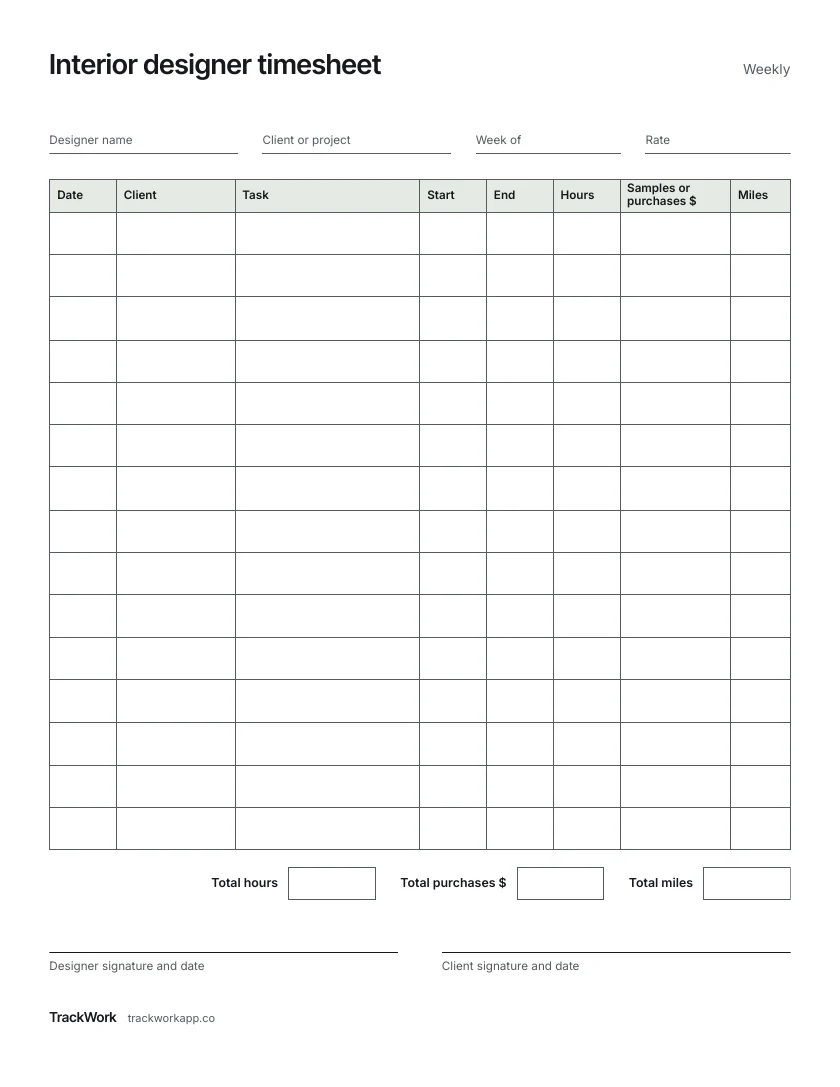
One US Letter page. Date, client, task, start, end, hours, samples or purchases and miles.
How to fill it in
1 Fill in the top
Your name, the client or project, the week and your rate.
2 One row per task
Site visit, sourcing, drawings, install: a few words each.
3 Purchases
Samples or items you paid for. Keep the receipt with the sheet.
4 Miles
The round trip for visits and sourcing runs.
5 Total and sign
Add hours, purchases and miles. The client signs the week.
Keep it on your phone instead
TrackWork times each task and puts samples, purchases and miles on the client's invoice.
Your first 10 sessions are free.
Questions
What goes under task?
What the client will read when they look at a line: site visit, sourcing, drawings, install.
Purchases on the same sheet as hours?
Yes, on the day you bought them, so the hours and the spending sit side by side.