Free printable gig work timesheet
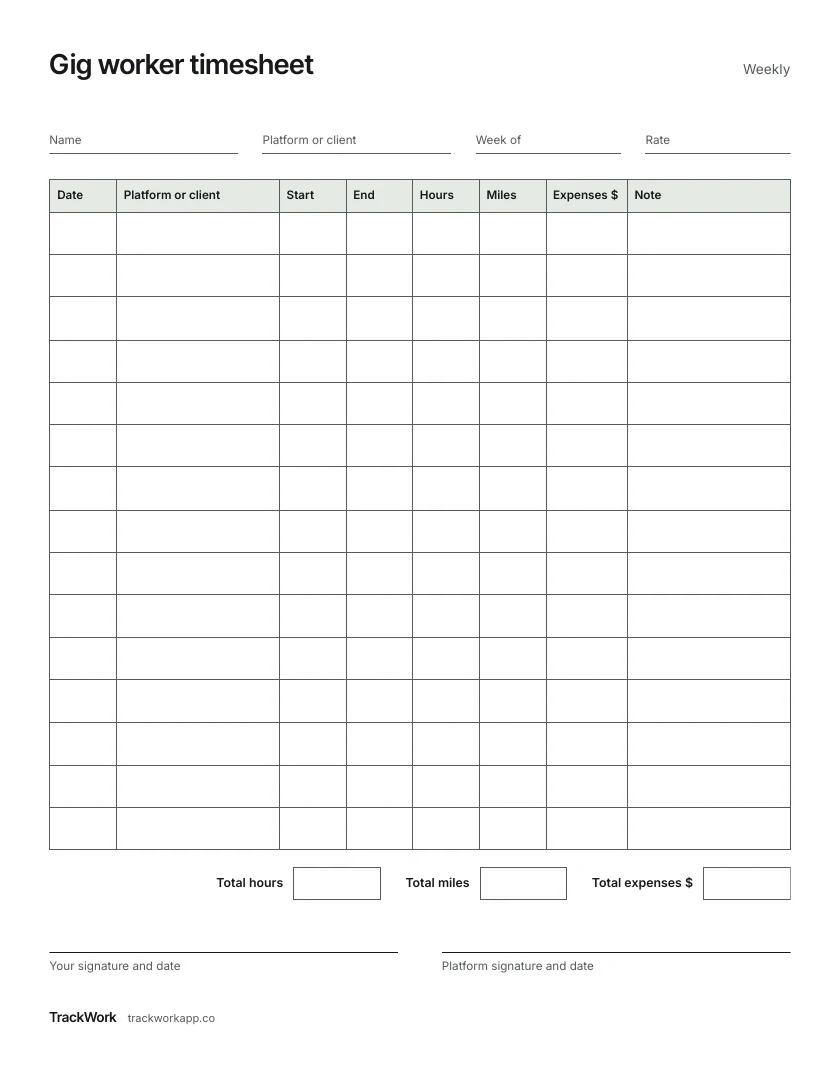
Your own record of the week: each shift, the miles you drove and what you spent to do the work.
One US Letter page. Date, platform or client, start, end, hours, miles, expenses and note.
How to fill it in
1 Fill in the top
Your name, the platform or client, and the first day of the week.
2 One row per shift
Start when you log on, end when you log off.
3 Miles
Write the odometer difference for the shift.
4 Expenses
Tolls, parking, supplies. Keep the receipts with the sheet.
5 Total
Add hours, miles and expenses at the end of the week.
Keep it on your phone instead
TrackWork times each shift, logs your miles, and builds the invoice for clients you bill yourself.
Your first 10 sessions are free.
Questions
Why keep hours if the app pays per trip?
The platform shows trips. Your own sheet shows what the week took, waiting time included.
Who signs it?
A client you bill directly can sign it. For platform work, your own signature and date are enough.