Free gig work invoice generator
No signup. Hours, transportation and receipts on one invoice. Nothing you type leaves your browser.
Your invoice is ready.
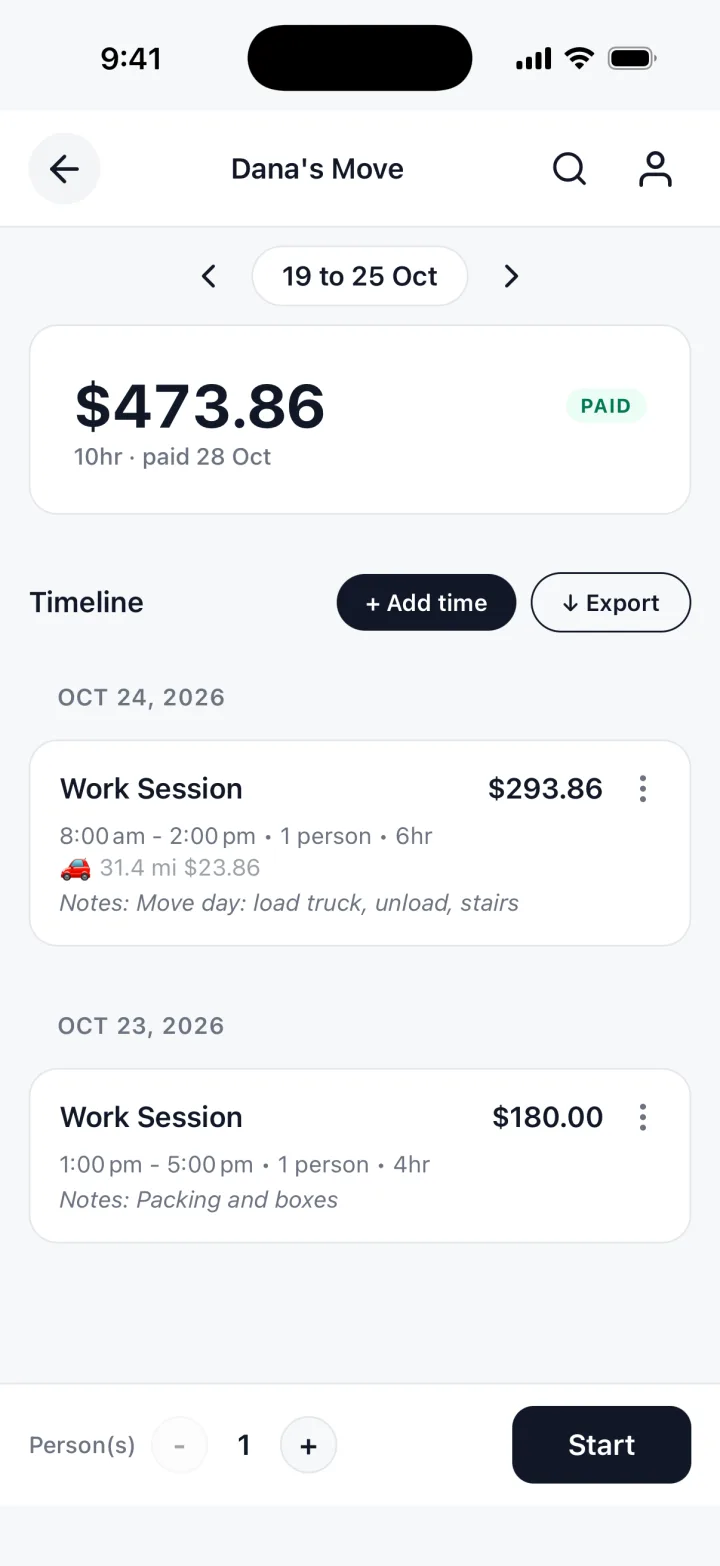
You just typed all of that by hand. TrackWork fills the invoice in from the hours you track.
Updated 29 Oct 2026
What goes on the form
One invoice for one client. The document comes out headed GIG WORK INVOICE.
Your details
Your name or business, how to reach you, and any tax or business number.
The client
The person or business you worked for. One invoice per client.
Hours
A description, the hours and your rate. One line per job or day, with the date.
Transportation
A note and the amount for each trip. You type it yourself.
Receipts
A note and an amount for things you paid for on the job, like parking or a phone mount.
Dates and payment
Invoice number, date, days until it is due, and how the client pays you.
What to put on a gig work invoice
A client who pays you directly needs to see what the work was and when you did it.
- Your name and how to reach you
- The client's name
- The date of each job, with the hours worked
- Transportation and receipts on their own lines
- The total
- How to pay, and by when
Dates matter most. Give each day its own line, so the client can check their calendar.
| Description | Hours | Rate | Amount |
|---|---|---|---|
| Delivery shifts, Mon and Tue | 6 | rate | total |
| Event help, Saturday | 4 | rate | total |
Several clients, transportation and receipts
Gig work usually means more than one client. Each one gets its own invoice.
Keep each client apart
A separate invoice for every client, each with its own hours, rate and total.
Billing a client directly
Clients you deal with directly, with no app between, need an invoice from you.
Transportation
Add each drive the client agreed to pay for. Each prints as its own Transportation line.
The transportation amount
Yours to set; the generator never fills one in. Agree it with the client first.
Receipts
Type the amount as on the receipt. The generator adds nothing to it, not even tax.
Keep the paper
The invoice does not attach the photo. Keep each receipt in case the client asks.
When to send it
Match the invoice to how the job is paid.
A one-off job
The same day or the next morning, while the client still remembers it.
Regular hourly work
On the same day each week or each month, covering the hours since the last invoice.
Transportation and receipts
On the next invoice after you spend the money or make the trip, not months later.
A client who asked for a timesheet
Send the invoice with dates and hours on each line. Your logged hours answer the question.
Put a due date on every invoice, and write down when you sent it.
Questions gig workers ask
Short answers about the generator itself.
Can I put several jobs on one invoice?
Yes, for one client: a line per job or day, with the date. Other clients get their own.
Do I fill in the transportation amount?
Yes. Type the amount you agreed; it prints as its own Transportation line.
Is my invoice stored anywhere?
No. It is built in your browser and nothing is uploaded. Close the tab and it is gone.
Can I send the PDF by email?
Yes. Choose Download PDF, pick Save as PDF in the print window, and attach the file.
The free template, and the app
The generator is free. It has no account, and it forgets everything when you close the tab, so save the PDF.
TrackWork keeps the record: log your hours as you work, and the invoice is made from them.
Keep this invoice, under the form, moves the hours you entered into the app.
Your first 10 sessions are free. See pricing.