Free tutoring invoice generator
No signup. Enter the hours and your rate, and save the PDF. Nothing you type leaves your browser.
Your invoice is ready.
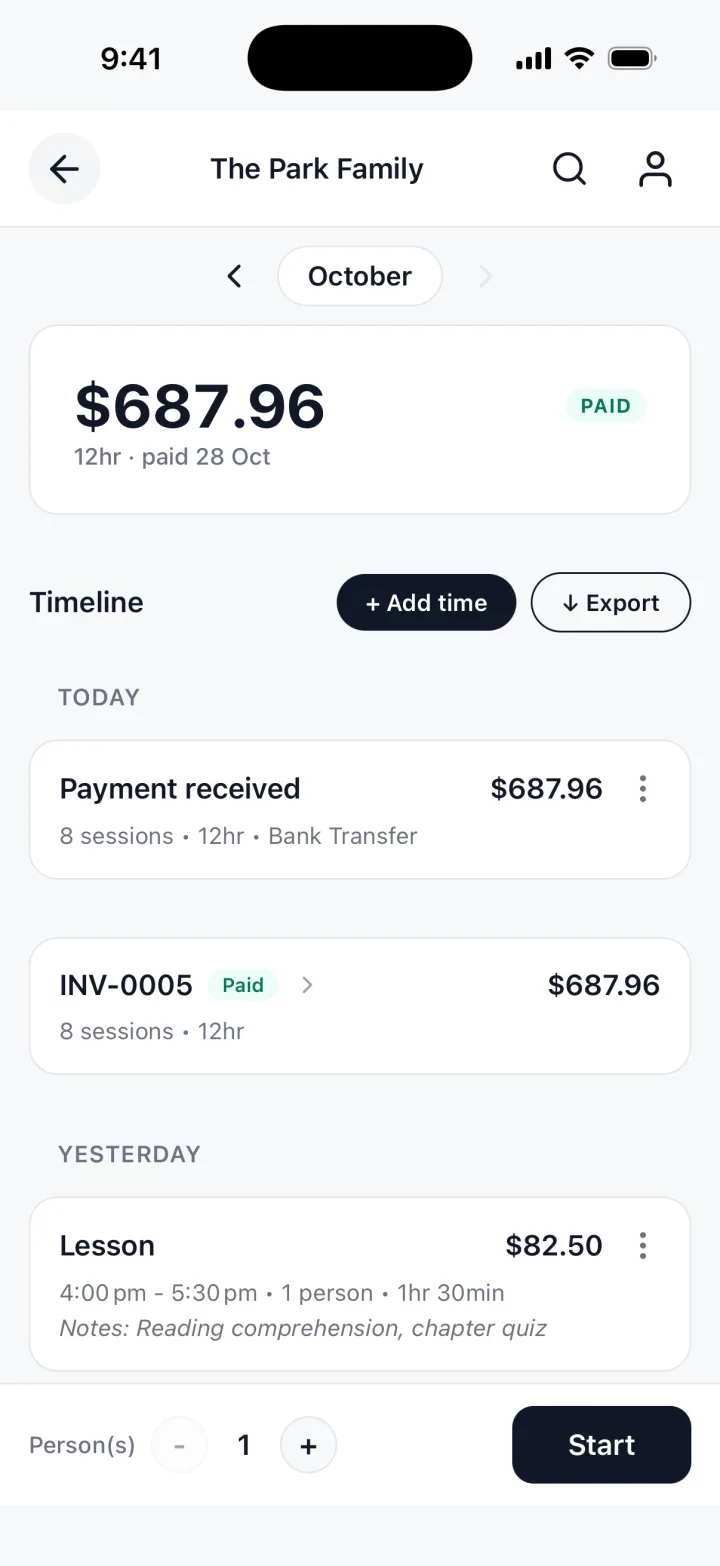
You just typed all of that by hand. TrackWork fills the invoice in from the hours you track.
Updated 28 Oct 2026
The fields, and one filled row
Hours times rate, one line per kind of work. The document is headed TUTORING INVOICE.
Name or business, and your email
This is the FROM block, so a parent knows who to pay and how to reach you.
Client name
Whoever pays, usually a parent. Name the student in the line if you bill several children.
Description, hours, rate
One line per kind of session. Hours take quarter hours, so 1.5 is an hour and a half.
Invoice number and date
Number them in the order you send them. INV-0001 is fine.
Due in
The number of days the parent has to pay. Zero means due on receipt.
Currency and tax
Leave tax empty unless you charge it. Tutoring is taxed in some places and not others.
Payment instructions
A bank transfer, Zelle, Venmo or a check. Left blank, the section is left off.
Note
One line the parent should read, such as your cancellation window.
| Description | Hours | Rate | Amount |
|---|---|---|---|
| Algebra 2 tutoring, Tuesday 13 Oct | 1.5 | $55.00 | $82.50 |
One filled row: 1.5 hours at $55.00 is $82.50. An example, not a suggested price.
What to include on a tutoring invoice
The parent should be able to read it with no other message beside it.
- Your name, and the parent's name
- An invoice number, the date you sent it, and the date it is due
- Each session: the student, the subject and the date
- The total
- How to pay it, on the invoice itself
- Your cancellation rule, in the note
A parent who has to ask where to send the money will pay later than one who does not.
| Description | Hours | Rate | Amount |
|---|---|---|---|
| Algebra 2 tutoring, Tuesday 13 Oct | 1.5 | rate | total |
| Algebra 2 tutoring, Thursday 15 Oct | 1 | rate | total |
Billing so nobody has to ask
Say which hour was whose
A line like "Algebra 2 tutoring, Tuesday 13 Oct" tells a parent of two which child it was.
A whole month on one invoice
Give each session or each week its own line, so the parent can count them.
Late cancellations
Bill one as its own dated line. A fee with a date is easier to defend than a bare one.
When to send it
It depends on how the parent pays you. Decide once and keep to it.
One-off or occasional sessions
Send the invoice the same day, while the lesson is fresh.
A weekly student
Once a month, on the same day, with every session as a line. One payment beats four.
Exam preparation, billed ahead
Send before the first session, and say in the note that the hours are not taught yet.
A block of sessions
Send when the block starts, and list the dates as you teach them if the parent asks.
Whichever you choose, set the due date when you send it. Seven or fourteen days is common.
Questions tutors ask
Short answers about the generator itself.
Do I have to charge tax?
It depends on where you live and what you teach. Ask an accountant or your tax office.
Can I send the PDF by email?
Yes. Choose Download PDF, pick Save as PDF in the print window, and attach the file.
Is my invoice stored anywhere?
No. It is built in your browser and nothing is uploaded. Close the tab and it is gone.
The free template, and the app
The generator is free. It has no account, and it forgets everything when you close the tab, so save the PDF.
TrackWork keeps the record: log your hours as you work, and the invoice is made from them.
Keep this invoice, under the form, moves the hours you entered into the app.
Your first 10 sessions are free. See pricing.