Free caregiver invoice generator
No signup. Visits and transportation on one invoice. Nothing you type leaves your browser.
Your invoice is ready.
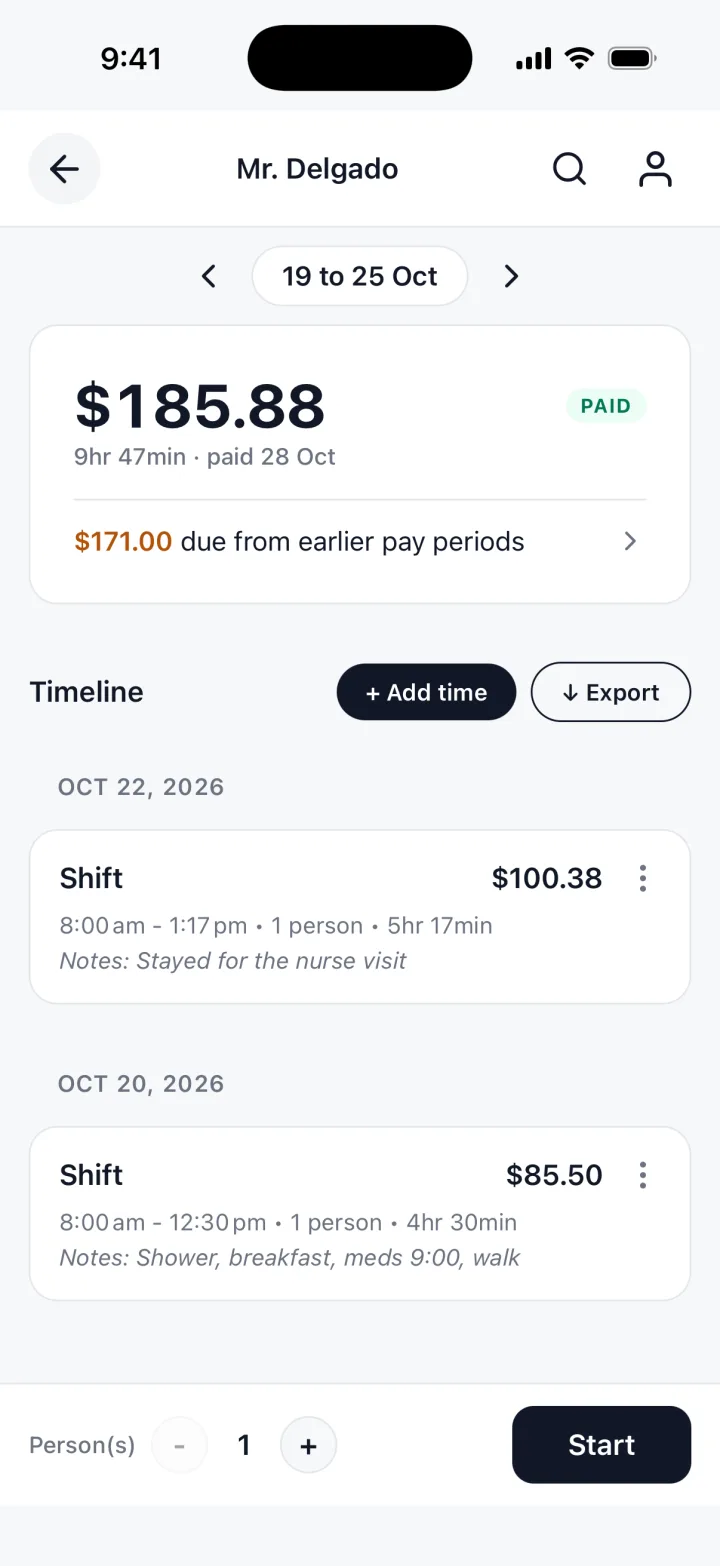
You just typed all of that by hand. TrackWork fills the invoice in from the hours you track.
Updated 29 Oct 2026
The fields, line by line
Headed CAREGIVER INVOICE: visits first, then any Transportation lines.
A line for each visit
Put the date and the hours for each visit, like "Tue 20 Oct, morning care".
Who you bill
For a family, the person who pays. For an agency, the name on their paperwork.
Hours and rate
Type the hours for each visit. The rate is yours; the generator never fills one in.
Transportation
Add the trip, the amount and a note. It prints as its own Transportation line.
The basics
Your name, email, any tax or business number, invoice number, date and due days.
Note
For the pay period covered, or how the family wants to pay.
What to include on a caregiver invoice
A family or agency wants the days you came, for how long, and the total.
- Your name and how to reach you
- Who the invoice is for
- One line for each visit, with its date
- Transportation on its own line, if you agreed it would be paid
- The total
- How to pay, and by when
Date every line, and a question about a Thursday weeks ago answers itself.
| Description | Hours | Rate | Amount |
|---|---|---|---|
| Tue 20 Oct, morning care | 4.5 | rate | total |
| Thu 22 Oct, morning care | 5.25 | rate | total |
Visits, transportation and receipts
A visit that ran long
Bill the time you worked, not the time planned, and say why in the description.
Several clients
One invoice for each person you work for, each with its own rate.
Travel between visits
Add each drive you bill, such as one home to the next. Each prints as its own line.
Agree transportation first
Add transportation only if the family agreed to pay it, at the amount you agreed.
Receipts
Bought groceries or supplies for the client? Add a receipt line at the exact amount.
Keep the paper
The invoice does not attach the photo. Send a copy if the family asks.
When to send it
Match the invoice to how the family or agency pays.
Every week
For a family that pays weekly. The visits are fresh, and a late invoice is easy to spot.
Every two weeks
For pay on a set schedule. Send on the same day each period, covering every visit since.
Every month
For a family or program that pays monthly. Keep a date on every line.
After a one-off stay
Send it the day it ends, while everyone remembers what was done.
Set a due date: "on receipt" for a family, a number of days for a company.
Questions caregivers ask
Short answers about the generator itself.
Can I list every visit on its own line?
Yes. A line for each visit, with the date. The preview adds up the hours as you type.
Can I bill a family and an agency on the same invoice?
No. Make a separate invoice for each client.
Is my invoice stored anywhere?
No. It is built in your browser and nothing is uploaded. Close the tab and it is gone.
Can I send the PDF by email?
Yes. Choose Download PDF, pick Save as PDF in the print window, and attach the file.
The free template, and the app
The generator is free. It has no account, and it forgets everything when you close the tab, so save the PDF.
TrackWork keeps the record: log your hours as you work, and the invoice is made from them.
Keep this invoice, under the form, moves the hours you entered into the app.
Your first 10 sessions are free. See pricing.